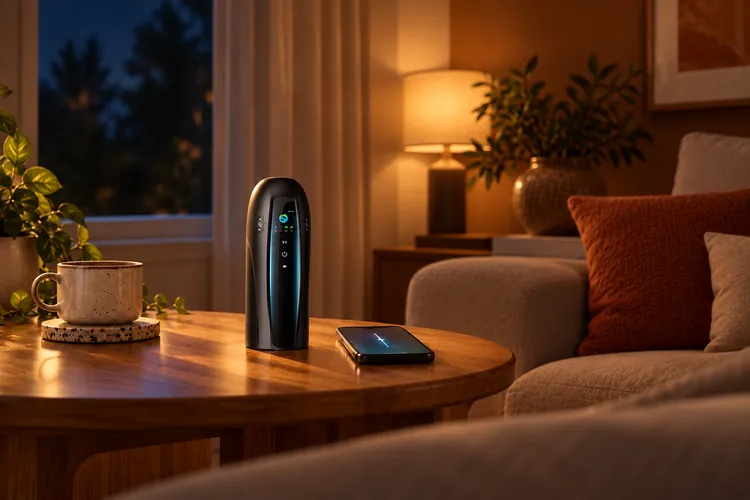
App control can mean changing a toy’s settings from a phone beside you, giving a partner access from another location, or both. Those experiences rely on different connections. They also raise practical questions about who can control the device and what the app does with your data.
Before choosing a connected toy, check the exact model’s controls, partner features, and privacy information. Here is what to look for.
Table of Contents
How App Control Works
Bluetooth and internet connections
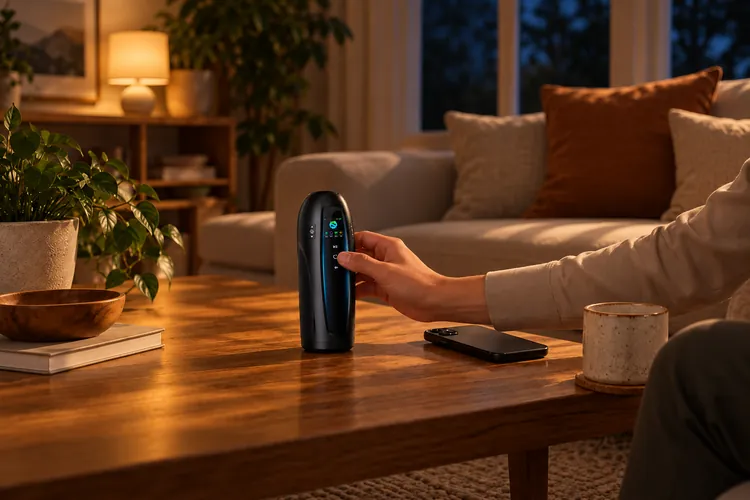
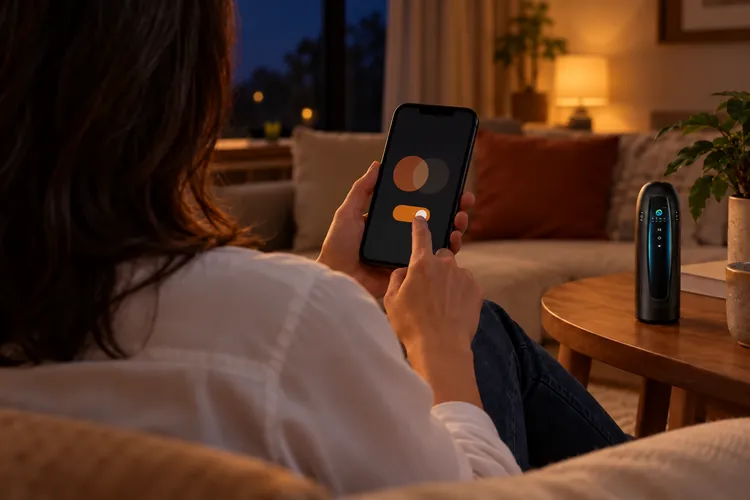
Many connected toys pair with a nearby phone over Bluetooth. The app on that phone sends commands to the toy. Long-distance partner control generally adds an internet connection between the partner’s app and the phone beside the toy.
| Control method | How it works | Internet needed? |
| On-device buttons | Control the toy directly | Usually no |
| Nearby phone | Connects to the toy over Bluetooth | Depends on the app; sign-in may require internet |
| Distant partner | Sends commands to the phone near the toy through an online service | Yes |
Bluetooth range and connection reliability vary with the device and surroundings. Even if nearby controls work without the Internet, a partner in another city needs a product that explicitly supports online partner access.
Phone control vs partner control
An app-controlled toy does not necessarily allow someone else to control it. Personal phone controls, partner invitations, and shared sessions are distinct features. Check the model’s instructions for how a partner joins, what they can change, and how the person using the toy can end access.
For a closer look at this specific use case, see long-distance partner control for male sex toys.
Key Features
Patterns and custom settings
Depending on the model, an app may let you adjust intensity, switch patterns, or save a preferred sequence. Some toys provide separate controls for vibration and other motions. Compare the controls available for the specific device rather than assuming that every feature shown in an app works with every toy.
Think about how easily you can make a small adjustment. Clear, responsive controls can be more useful than a long list of presets, especially when two people are finding a comfortable rhythm. If you save custom settings, check whether they are stored on the device, on your phone, or in an online account.
On-device controls
Physical controls give the person using the toy a direct way to adjust or stop it. Locate them before sharing control, and check whether they override app commands. Also find out what the toy does when Bluetooth or internet access drops. There is no universal behavior to rely on.
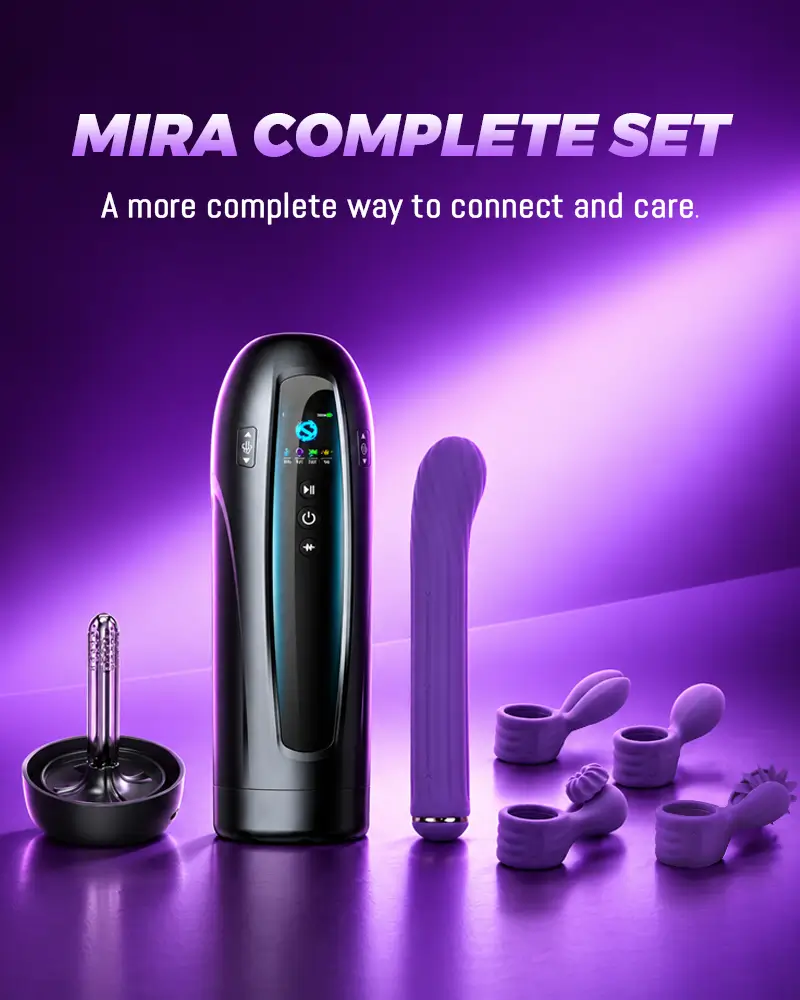
For example, Secheal Mira is marked “Launching Soon” and features on-toy controls that work without an app. Confirm app-based partner access before choosing Mira for remote play; a complete partner setup is not yet described on the product page.
Partner Control
Pairing and sharing access
Set up a shared session before either person is relying on the connection:
- Check that the exact toy supports partner access and that both phones meet the app’s requirements.
- Pair the toy with the phone beside it, then test the controls at a low setting.
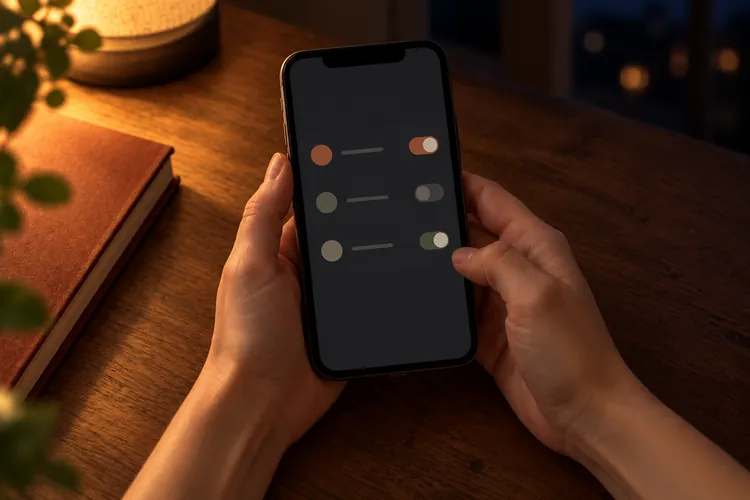
- If the app supports partner invitations, send one through its intended sharing feature and confirm which controls the partner receives.
Avoid giving a partner your account password as a shortcut. A dedicated invitation is easier to manage and revoke. If the app does not explain how sharing works, get that information before granting access.
Consent and removing access
Agree on a starting setting, which changes are welcome, and a clear way to pause. The person using the toy should be able to stop it locally and end the shared session. Check those controls together before starting, then continue to ask for feedback as settings change.
When the session ends, close it in the app and check whether the invitation or partner connection remains active. To withdraw access, use the app’s remove-partner or revoke-access option and verify that the connection has ended. The steps differ by product, so look them up before sharing control.
Privacy and Security
Data collection and storage
App control does not reveal what an app collects. Depending on the service, data could include account details, device identifiers, connection logs, saved patterns, messages, or media you choose to share. Check the app’s notice rather than assuming these features are present or that its data stays on your phone.
The most useful questions are:
- What data is collected during pairing and use?
- Is it stored on the device, on the phone, or online, and is it shared with service providers?
- Can a partner see messages or session history after a session ends?
- How long is information kept, and how can you delete it?
If the answers are unclear, ask the manufacturer before linking accounts or sharing intimate content.
Account and app permissions
Review the permissions the app requests on your phone. Bluetooth access may be necessary for pairing. Microphone, camera, or photo access should make sense for a feature you intend to use. Phone permissions do not determine who has partner access, so review sharing settings separately.
Use a unique account password, keep the app updated, and enable additional sign-in protection if offered. If you stop sharing a toy with someone, revoke their app access as well as ending the current session.
What a privacy policy covers
Read the notice for the service you are connecting. A store policy can cover purchases and website activity without covering a separate toy app. The Secheal website privacy policy expressly covers the website and online store; it says a separate notice will describe data processing if an app or connected-device service is provided.
For any connected toy, look for app-specific information about device data, partner access, retention, and deletion. Discreet shipping addresses a different part of privacy than an online session does.
The right app-controlled toy should make its controls and permissions clear before you connect. Confirm the features you will use, keep a local way to stop, and share access only when both people know how to end it.
FAQ
Can a partner control a toy from another country?
Yes, if the specific toy and app support internet-based partner access. Bluetooth alone connects the toy to a nearby phone. Check the model’s instructions, account requirements, and app availability for both people.
Do app-controlled toys work offline?
Some functions may. On-device buttons generally work without internet, and some apps allow nearby Bluetooth control offline. Other apps require an online sign-in. Long-distance partner control needs an internet connection, so check which features remain available offline on the model you want.
What happens if the connection drops?
Behavior varies by toy and app. A device might pause or keep its current setting. Test the local stop control and follow the model’s instructions instead of assuming a lost connection will stop it.
How do I remove a partner’s access?
End the session, then use the app’s partner or sharing settings to revoke the invitation or unlink the partner. Confirm that access has ended. If those steps are not documented, contact the app’s support team before sharing control.