VR sex toys connect physical feedback with compatible virtual reality content. A supported toy receives timed instructions that coordinate its movement or vibration with playback.
Getting that experience depends on the entire setup: the toy, headset, player, content, and connection method. Before buying, confirm how those pieces work together, what synchronization requires, and how each connected service handles personal information.
Table of Contents
How VR Sex Toys Work
Watching VR vs. Interactive Sync
Using a standard vibrator while watching VR does not make it interactive: its preset pattern runs independently of the video. With synchronized playback, software coordinates device commands with the video’s playback position. The headset displays the content but does not necessarily control the toy directly.
Hardware still shapes the result. A vibrator and a motorized stroker produce different sensations, even when both work with the same content platform.
Script-Based vs. AI Video Sync
Script-based synchronization uses a file containing timed movement instructions. A compatible player coordinates those instructions with the video. The official video synchronization guide describes this approach for Handy devices, including loading a video with its matching script.
The video and script must match. An added introduction or a different edit can shift the timing. Adjusting a timing offset may correct a fixed delay, but it cannot reliably fix a script made for a differently edited video.
AI video sync uses software to analyze supported content and generate control instructions. Depending on the service, analysis may happen before playback or during it. Accuracy varies with the content, processing method, and hardware.
AI synchronization also differs from learning preferences or chatting with a virtual companion. Understanding the features available in AI masturbators helps distinguish video analysis, app control, and personalization before comparing products.
Bluetooth, Wi-Fi, and App Connections
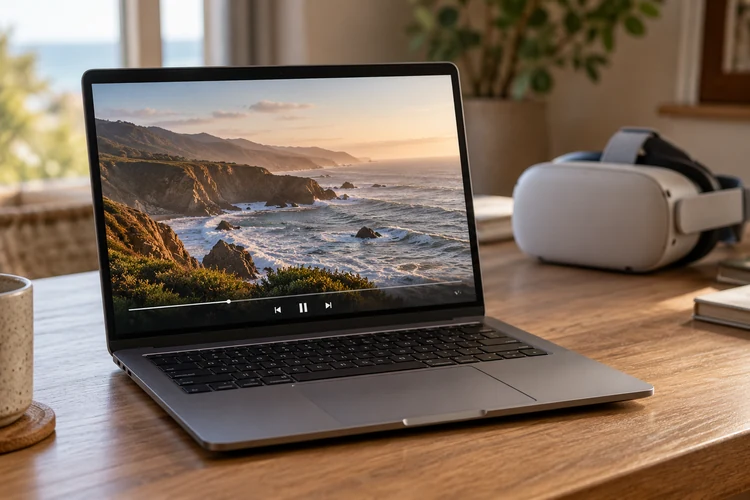
Bluetooth commonly connects a toy to a nearby phone or computer. Wi-Fi can connect a supported device to an online control service. A companion app may manage pairing and communication with the player.
A typical setup might play video in the headset while a phone communicates with the toy. Another might send commands through an online service using a device connection key.
How to Check Compatibility
Toy Model and Firmware
Check the exact model and generation, then confirm any firmware requirements. Support for one toy does not establish support for every device from the same brand.
Also identify which functions the integration controls. A platform might support vibration or stroking without controlling every motor or feature.
Headset, Browser, and Player Support
A headset that plays VR video may still lack the browser, app, or integration needed for toy synchronization.
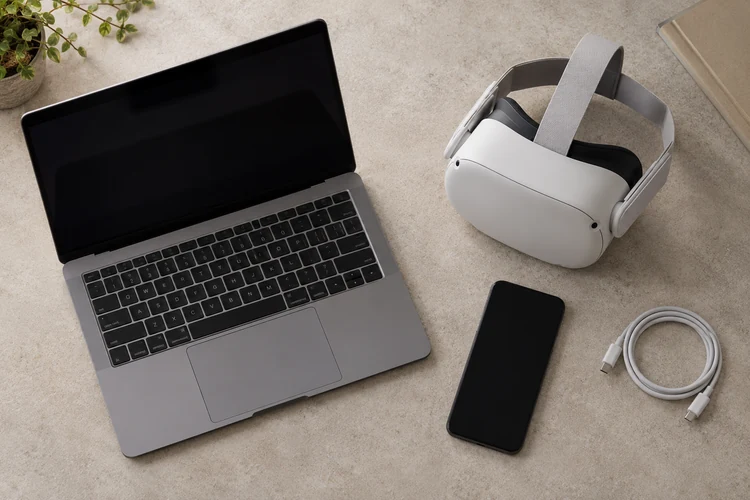
Check the complete setup before buying:
| Component | What to verify |
| Toy | Exact model, firmware requirements, and supported functions |
| Headset | Compatibility with the required browser, player, or app |
| Phone or computer | Supported operating system and connection hardware |
| Player | Device integration, script support, and timing controls |
| Content | Supported interactive format or a matching movement script |
Content Platforms and Sync Support
Confirm support on both the toy manufacturer’s website and the content platform. Compatibility through one player does not guarantee compatibility through another app on the same headset.
Check whether synchronization supports streaming, downloaded files, or both. Scripted playback may require a separate script. AI analysis may have limits on supported websites, file types, or content sources.
Required Apps and Subscriptions
A free companion app does not necessarily include interactive videos, scripts, or AI processing.
Before starting a trial, check:
- Which features require payment.
- Whether video access and synchronization have separate fees.
- What continues working after the subscription ends.
- Whether basic controls require an account or internet connection.
Setting Up and Testing Sync
Connect the Toy and Player
Complete the initial setup before putting on the headset:
- Charge the toy and install required firmware or app updates.
- Pair the device using the manufacturer’s instructions.
- Open the supported player and confirm that it recognizes the toy.
- Load compatible interactive content or the matching video and script.
- Run a brief test with the toy’s controls within reach.
If the device requires a mount, use a supported attachment and check its stability before starting playback.
Adjust Timing and Intensity
Begin with low intensity and a limited movement range, where adjustable. Test whether pausing playback stops the toy, and learn how to stop it independently. Do not assume the two controls always behave identically.
If movement consistently starts too early or too late, adjust the player’s timing offset when available. Make small changes and replay the same short section to compare results.
Recheck timing after seeking or changing playback speed.
Fix Delays and Disconnections
A fixed delay, growing timing drift, and repeated connection loss need different checks.
| Symptom | What to check first |
| Toy connects but does not respond | Interactive mode, script loading, and exact model support |
| Movement stays consistently early or late | Timing offset and matching video version |
| Timing becomes progressively less accurate | Video/script mismatch, playback speed, or player behavior |
| Connection repeatedly drops | Battery level, wireless range, and competing connections |
Change one setting at a time. Manufacturer-provided test content can help separate a pairing problem from an issue with a particular video or script.
If the toy keeps moving after a connection failure, stop it using its physical controls before troubleshooting.
Privacy and Data Collection
What Apps and Platforms Collect
A connected VR setup can involve separate headset, toy-app, video-platform, and AI-service accounts. Each service may handle different information.
Check the applicable notices for:
- Account and device identifiers.
- Viewing activity and interaction history.
- Device diagnostics and session records.
- Voice recordings, messages, or other companion interactions.
- Third-party sharing and retention periods.
These are categories to investigate, not information collected by every device.
Policy scope matters. The Secheal privacy policy covers the website and online store and states that additional notices will describe separate app, connected-device, or AI services. Read the notice for the specific connected service you enable.
Local vs. Cloud Processing
Local processing runs a task on your device, such as a phone or computer. Cloud processing runs it on remote servers. A single product may use both.
Ask what happens to each type of information. Video analysis might run locally while account authentication or diagnostics still involve an online service. Check whether synchronization still requires an online connection.
Private browsing offers a different, limited protection. It generally limits what the browser retains locally after the session; it does not hide activity from a service you sign into or govern a separate app’s data collection.
Permissions and Data Deletion
Match permissions to the features you use. Nearby-device access may support pairing, while microphone access may support voice interaction. Check explanations for requests that appear unrelated.
Review whether optional analytics can be disabled and whether session history, recordings, and account data can be deleted. Clearing local history or uninstalling an app does not necessarily remove server-held records.
Look for retention periods and deletion instructions, including any stated exceptions for records the provider keeps.
Pairing Codes and Remote Access
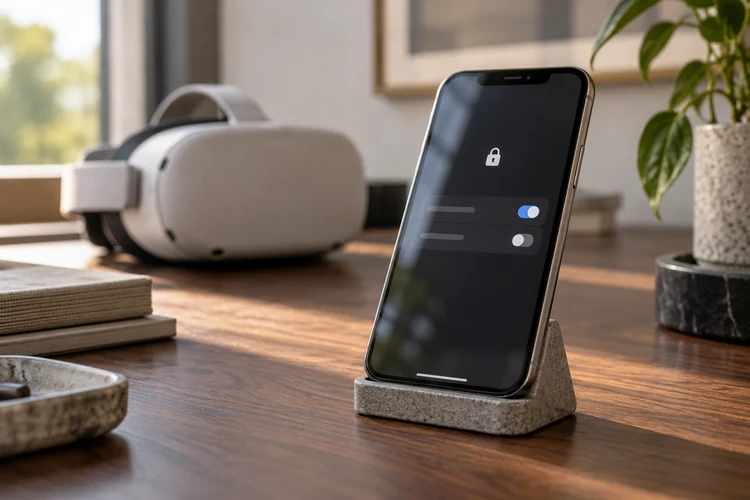
Treat connection keys, invitations, and control links as sensitive. Depending on the system, they may allow another person to control the toy.
Keep them out of screenshots and public messages. End shared sessions when finished, revoke access when available, and change connection keys if they have been exposed.
On shared devices, review saved logins and active sessions. Agree on control boundaries before granting another person access.
What to Check Before Buying
Hardware and Control
Match the hardware to the feedback you want. Stroking travel, rotation, pressure adjustment, and independent intensity controls affect what a toy can reproduce. A device cannot follow movements beyond its physical limits.
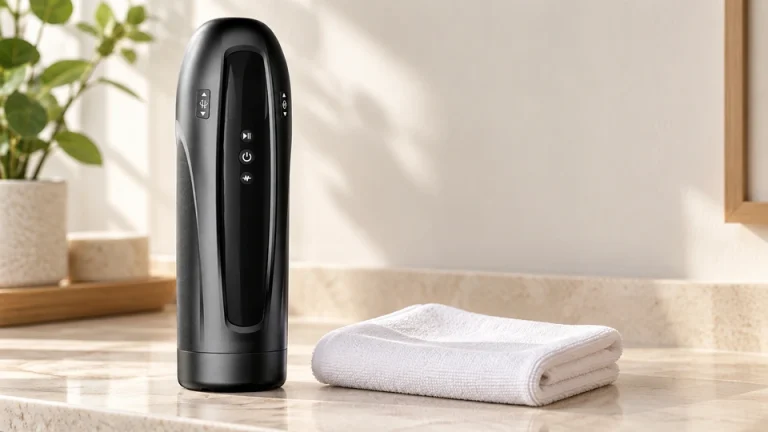
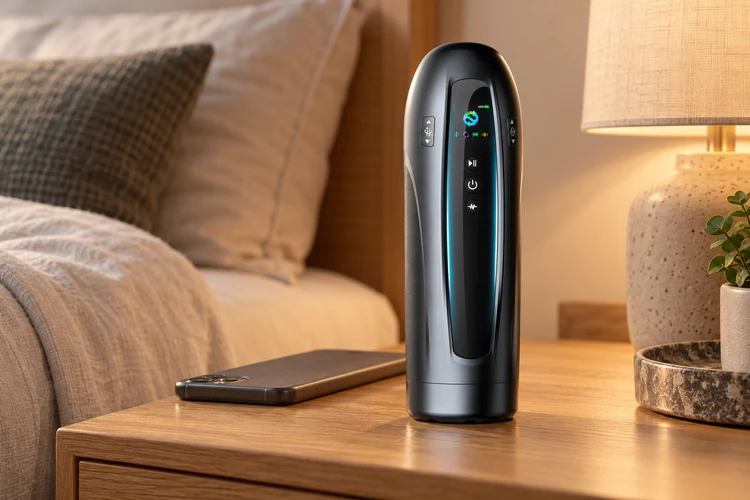
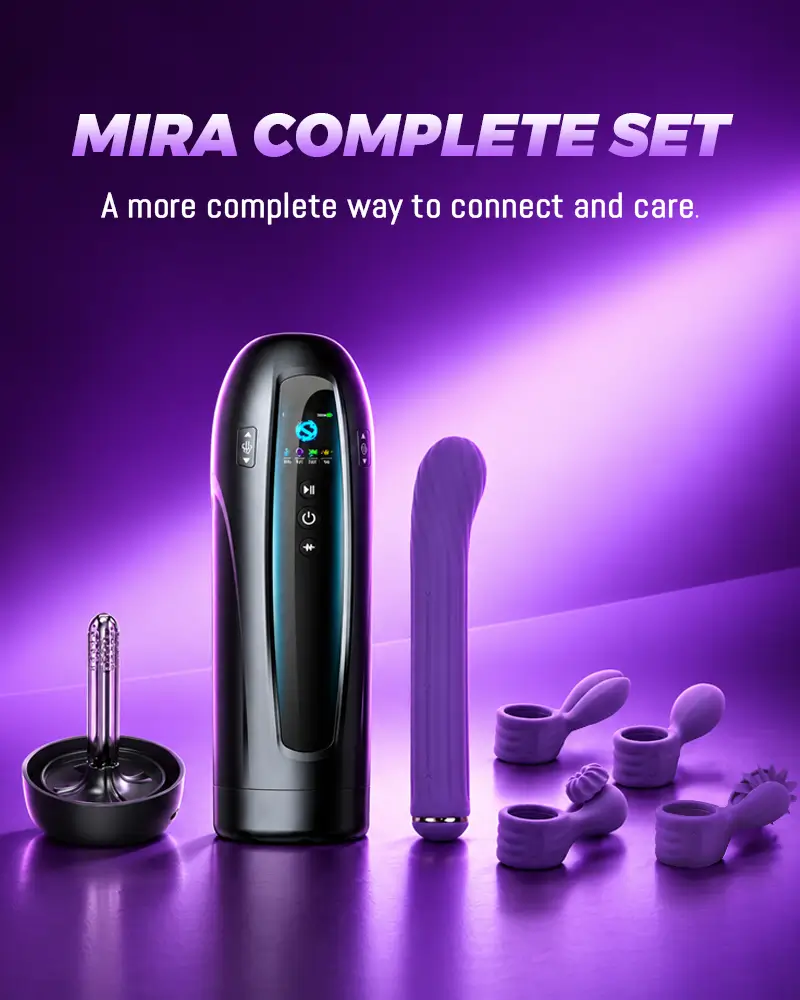
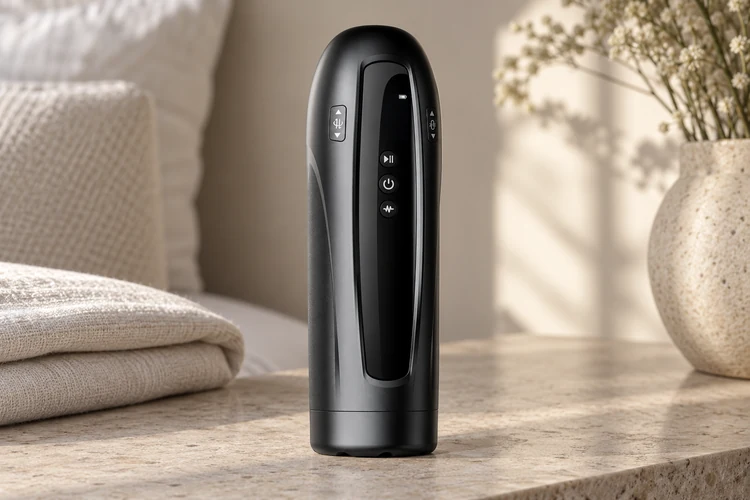
For example, Secheal Mira is an upcoming connected masturbator with announced specifications including 40 mm of stroking travel, 360° rotation, adaptive positive air pressure, and dual vibration. Its supported-video analysis feature is described as mapping movement and rhythm to adjustable motions. On-device controls provide a way to adjust settings or pause without navigating an app.
These specifications are relevant to video-synced feedback, but they do not establish VR compatibility. Mira is currently marked “Launching Soon,” and the product page does not identify supported VR headsets, players, or platforms. Confirm those integrations before choosing it for a VR setup.
Sync Accuracy and Reliability
Check whether the player offers timing adjustment and how it handles buffering, seeking, and connection loss. Hardware specifications alone cannot establish synchronization quality. A demonstration using the intended toy, player, and content is more useful than a general accuracy claim.
Comfort and Cleaning
Compare usable dimensions, sleeve flexibility, contact materials, and care requirements. Evaluating sex toy materials includes checking composition and cleanability rather than relying on a “body-safe” label alone.
Confirm which parts detach, which can be washed, and whether replacement sleeves are available. A washable sleeve does not mean the electronic housing can be submerged.
Follow the manufacturer’s lubricant and cleaning instructions. Stop if use causes pain, irritation, or numbness.
Total Cost and Ongoing Support
Add hardware, mounts, and replacement parts to the recurring fees identified earlier. Review firmware updates, operating-system support, warranty terms, and return restrictions. Confirm which functions remain usable if a subscription lapses or an online service shuts down.
FAQ
Do You Need a VR Headset?
A suitable headset is needed for immersive VR viewing. Some interactive toys also synchronize with supported videos on a regular screen, so a headset is not required for every form of video synchronization.
Can Any Bluetooth Toy Sync With VR?
No. Bluetooth supplies a connection, but the player or app must support the toy’s control system. Verify the exact model, software, and playback method.
Can VR Sex Toys Sync With Any Video?
No. Script-based systems need compatible instructions matched to the video. AI analysis may support additional content, but source restrictions, accuracy, and device compatibility still vary.
Can VR Sex Toys Work Offline?
Some toys offer offline manual controls, and certain setups support local synchronized playback. Others need internet access for authentication, control commands, or AI processing. Confirm offline synchronization specifically; downloaded video alone is not enough.